What is a FreeBSD Jail?
The FreeBSD Jail is OS-level virtualization, AKA containerin FreeBSD. FreeBSD Jails have been available since 2000. Earlier than Docker (2013), Linux’ LXC (2008), and Linux’ OpenVZ (2005). It’s very mature, reliable, and nicely integrated with many FreeBSD commands!
Let’s get started!
In this post, we’ll create a FreeBSD Jail for a Common Lispenvironment. Here we WON’Tuse any Jail management tool. In fact, it’s simple enough to manage FreeBSD Jails directly if you don’t create many.
In this post, our FreeBSD version is 13.1, and the cloud hosting service is Vultr.
First, make a folder to install the jail. For example.
  # mkdir /usr/jail/
# mkdir /usr/jail/roswell
The builtin FreeBSD installer, bsdinstall, directly supports installing a system for use with jail.
# bsdinstall jail /usr/jail/roswellThen, we enter the FreeBSD Installer for jails.
FreeBSD Installer for the FreeBSD jail
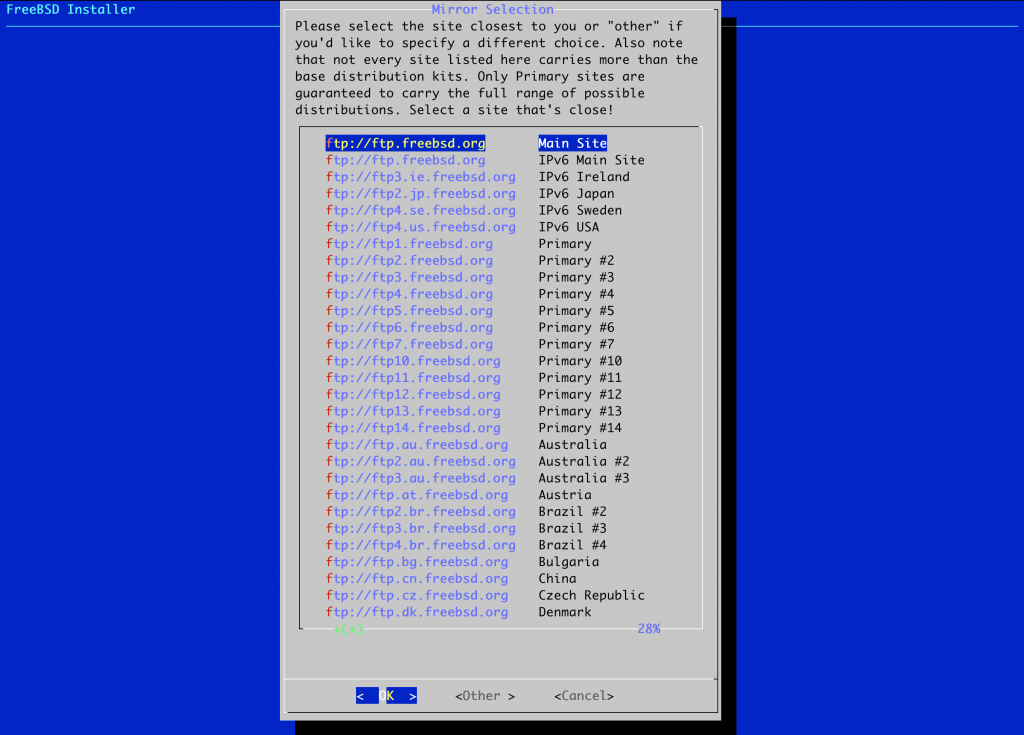
Choose a mirror you like.
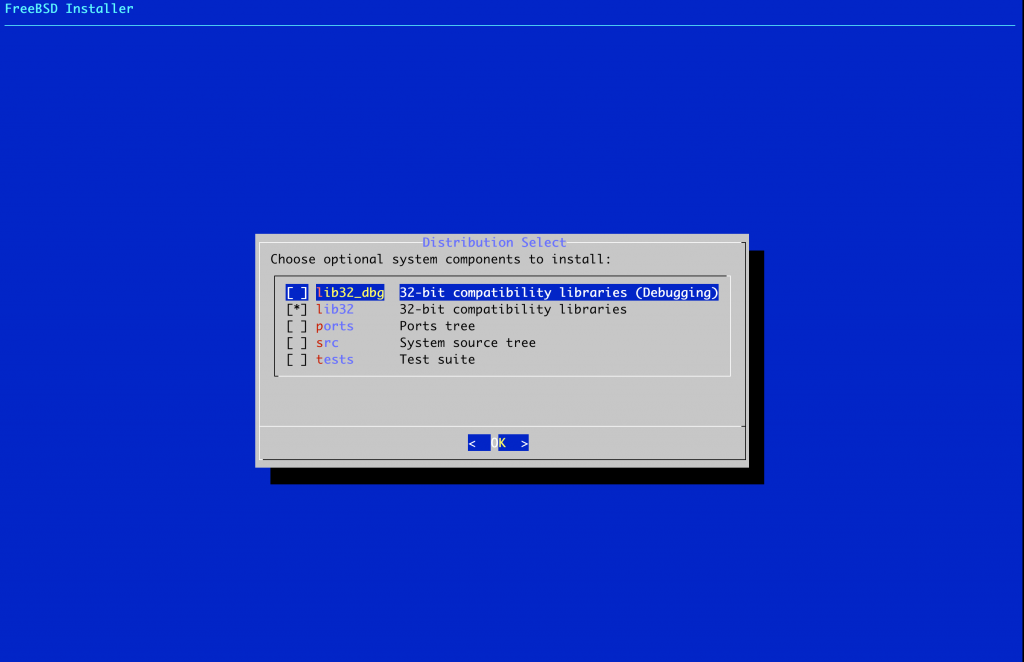
For simplicity, we only choose lib32 compatibility libraries.
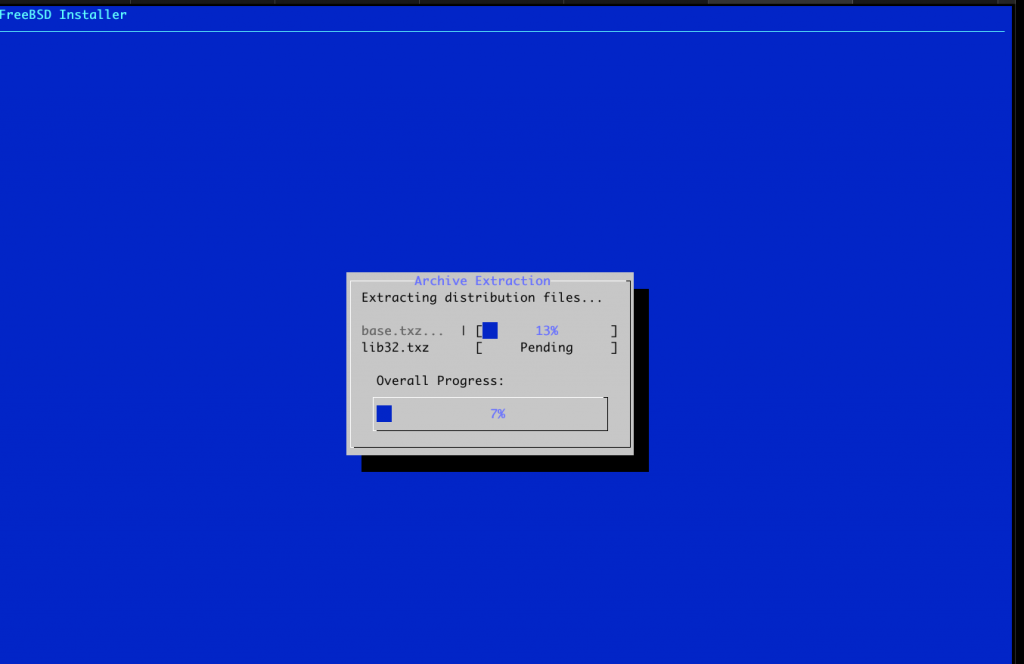
Downloading and archives extractions.
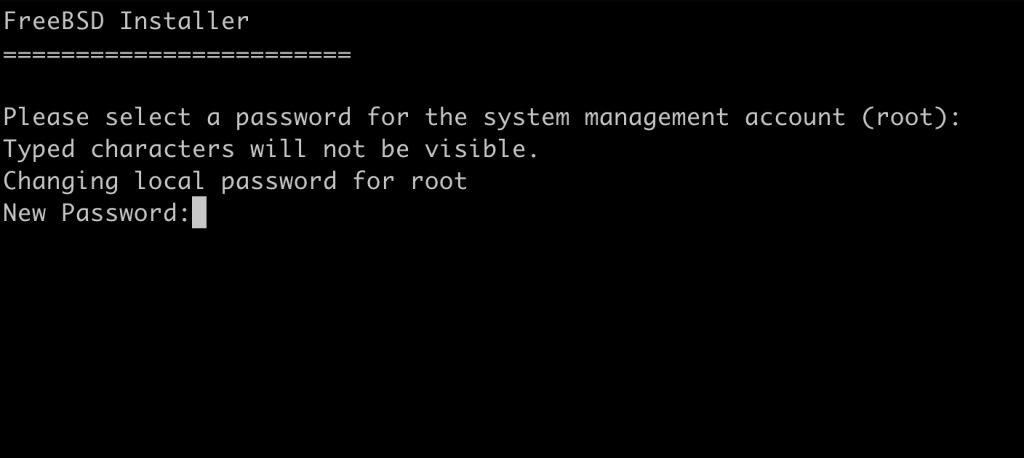
Password for root. You can enter a random one for now.
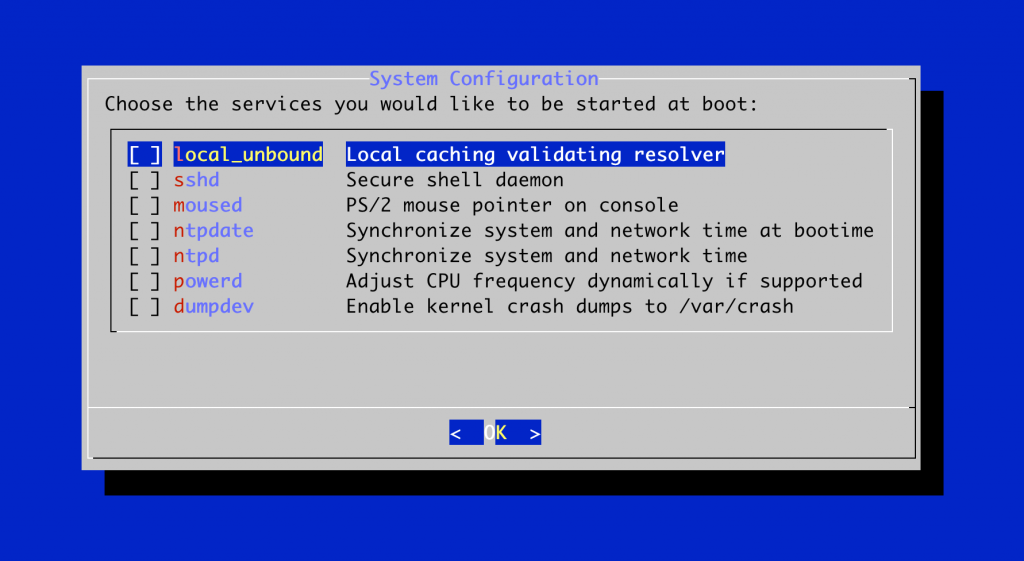
In this tutorial, we don’t need any of these services. Especially all jails get their system clock from the host.
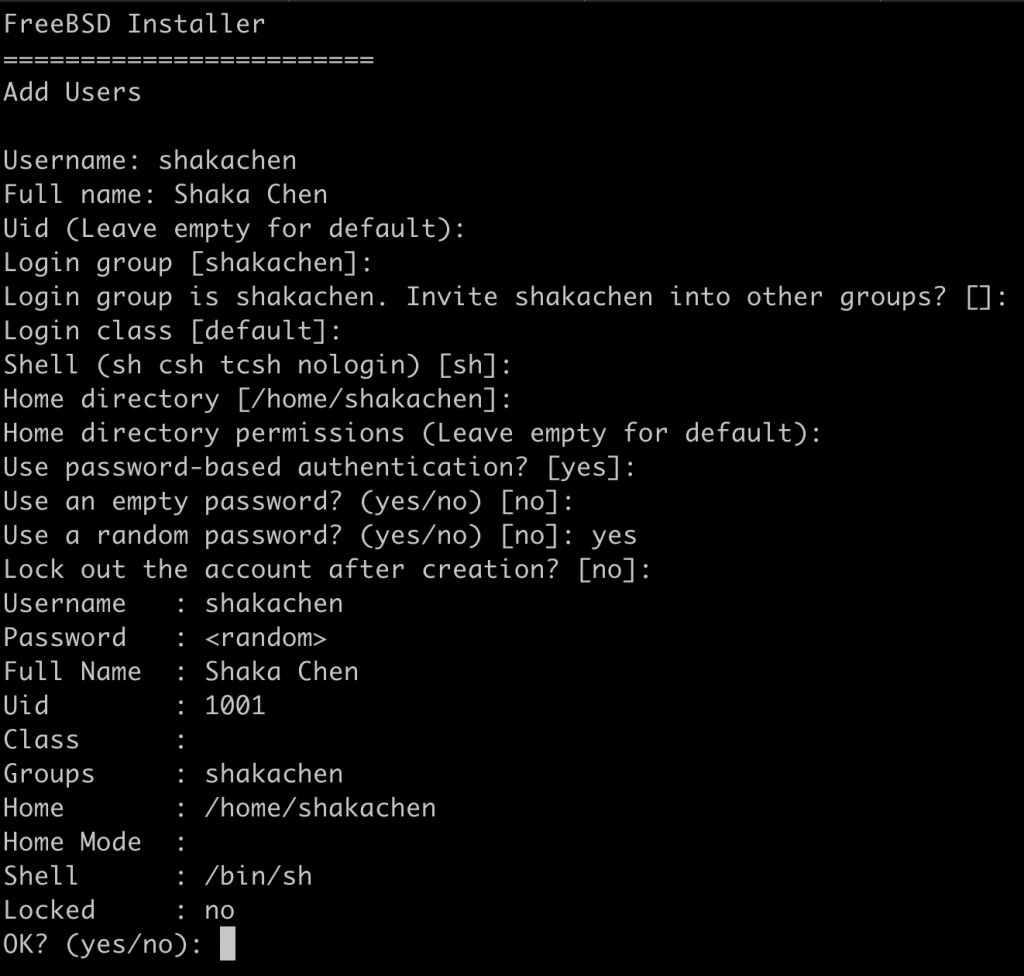
Add a user with
your usernameand the installation is done. In this post I use
shakachen. Please replace all
shakachenwith
your username.
You can also check the whole virtual filesystem. It’s now installed under
/usr/jail/roswell/
Configure the FreeBSD jail and the networking
After the installation, we’re back to our host machine. First, a jail needs its own ip addresses. Second, there’s no Internet access inside the jail before configuration. Third, the jail itself need configuration. So, let’s do them all.
/etc/jail.conf.d/roswell.conf
Create
/etc/jail.conf.d/roswell.confas the jail configuration.
  roswell {
    host.hostname = roswell;    # Hostname
    ip4.addr = "lo1|127.0.1.1";    # IP address of the jail
    path = "/usr/jail/roswell";    # Path to the jail
    mount.devfs;    # Mount devfs inside the jail
    exec.start = "/bin/sh /etc/rc";    # Start command
    exec.stop = "/bin/sh /etc/rc.shutdown";    # Stop command
    # Don't import any environment variables when connecting
    # from the host system to the jail (except ${TERM}).
    exec.clean;
}
/etc/rc.conf
Add the following into the host’s
/etc/rc.conf
  cloned_interfaces="lo1"    # Clone to get a loopback interface
ifconfig_lo1="inet 127.0.1.1"    # Assign an ip address to lo1
pf_enable="YES"    # pf for external network access.
jail_enable="YES"    # Start jails on boot
jail_list="roswell"    # List which jails to start on boot
/etc/pf.conf
NAT configuration for the jail.
Please replace
vtnet0with your external network interface if needed.
  ext_if=vtnet0
nat on $ext_if from 127.0.1.1 -> ($ext_if)
Reboot your host
After reboot, you should be able to run jlsand see the result similar to the following.
  # jls
JID  IP Address      Hostname                      Path
  1  127.0.1.1       roswell                       /usr/jail/roswell
In the host, we have jexecto execute commands inside a jail. You can directly execute command inside the jail named roswell
# jexec roswell lsOr, you can get into the jailed environment named roswell to interact with the virtual FreeBSD.
# jexec roswell shInstall a Common Lisp environment in the roswell FreeBSD jail
Editor and GNU Make
In the host environment, run
# pkg -j roswell install emacs-nox gmakeBy
-joption you specify that you want to install packages into the jail named roswell.
Roswell
We’re about to install Roswell. Roswell is a Common Lisp environment setup Utility. Please see https://roswell.github.iofor more information.
# pkg -j roswell install roswellBy
-joption you specify that you want to install packages into the jail named roswell.
Run Roswell inside the roswell FreeBSD jail
-Uspecifies the username from the jailed environment, not the username from the host environment, to execute the command in the jail.
In this post I use
shakachen. Please use
your usernameto replace all
shakachen.
-lspecifies a clean login.
  # jexec -lU shakachen roswell ros run
Installing sbcl-bin...
No SBCL version specified. Downloading sbcl-bin_uri.tsv to see the available versions...
[##########################################################################]100%
Installing sbcl-bin/x.x.x...
Downloading https://github.com/roswell/sbcl_bin/releases/download/x.x.x/sbcl-x.x.x-x86-64-freebsd-binary.tar.bz2
[##########################################################################]100%
Extracting sbcl-bin-x.x.x-x86-64-freebsd.tar.bz2 to /home/shakachen/.roswell/src/sbcl-x.x.x-x86-64-freebsd/
Building sbcl-bin/x.x.x... Done.
Install Script for sbcl-bin...
Installing Quicklisp... Done 6852
Making core for Roswell...
*
If your goal is to setup a complete FreeBSD jail with networking, we’ve proved that we have made it.
Common Lisp IDE (SLIME) inside the FreeBSD jail
Ros install slime
In the host environment, we run
# jexec -lU shakachen roswell ros install slime.emacs
Roswell provides
~/.roswell/helper.elfor emacs to know where Slime, Quicklisp, etc, were installed. In the host environment, let’s add the following into
/usr/jail/roswell/home/shakachen/.emacs
(load (expand-file-name "~/.roswell/helper.el"))Let’s play!
# jexec -lU shakachen roswell emacsIn emacs
M-x slime
  ; SLIME 2.XX
CL-USER> (ql:quickload :dexador)
......
(:DEXADOR)
CL-USER> (dex:get "http://www.google.com")
......
200
#<HASH-TABLE :TEST EQUAL :COUNT 12 {XXXXXXXXXX}>
#<QURI.URI.HTTP:URI-HTTP http://www.google.com>
NIL
CL-USER>